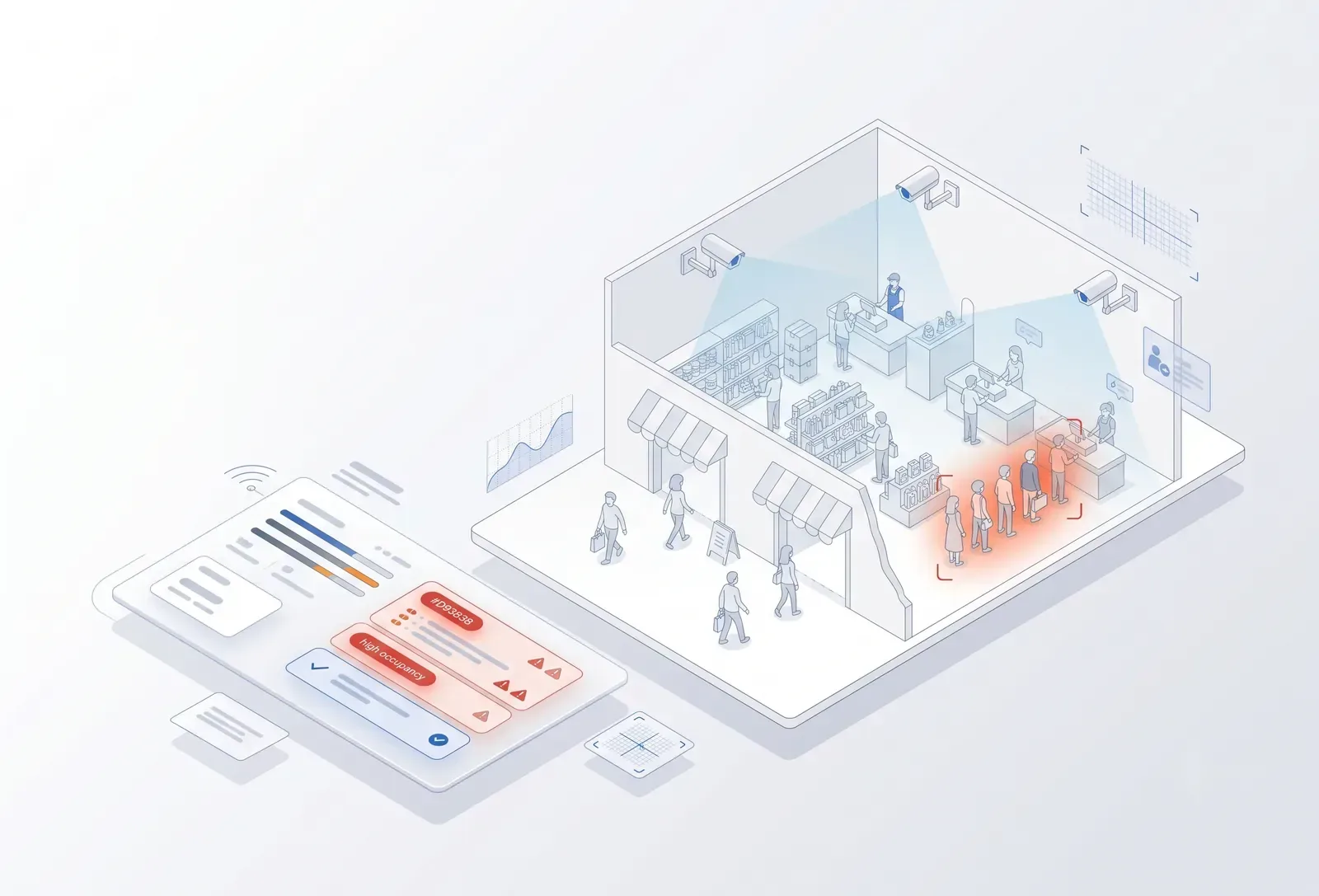
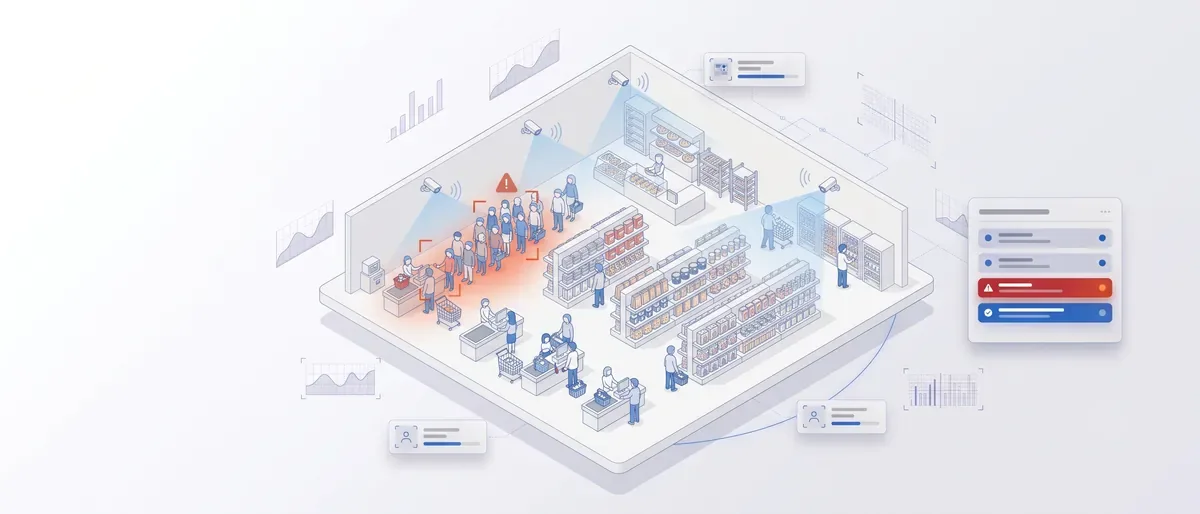
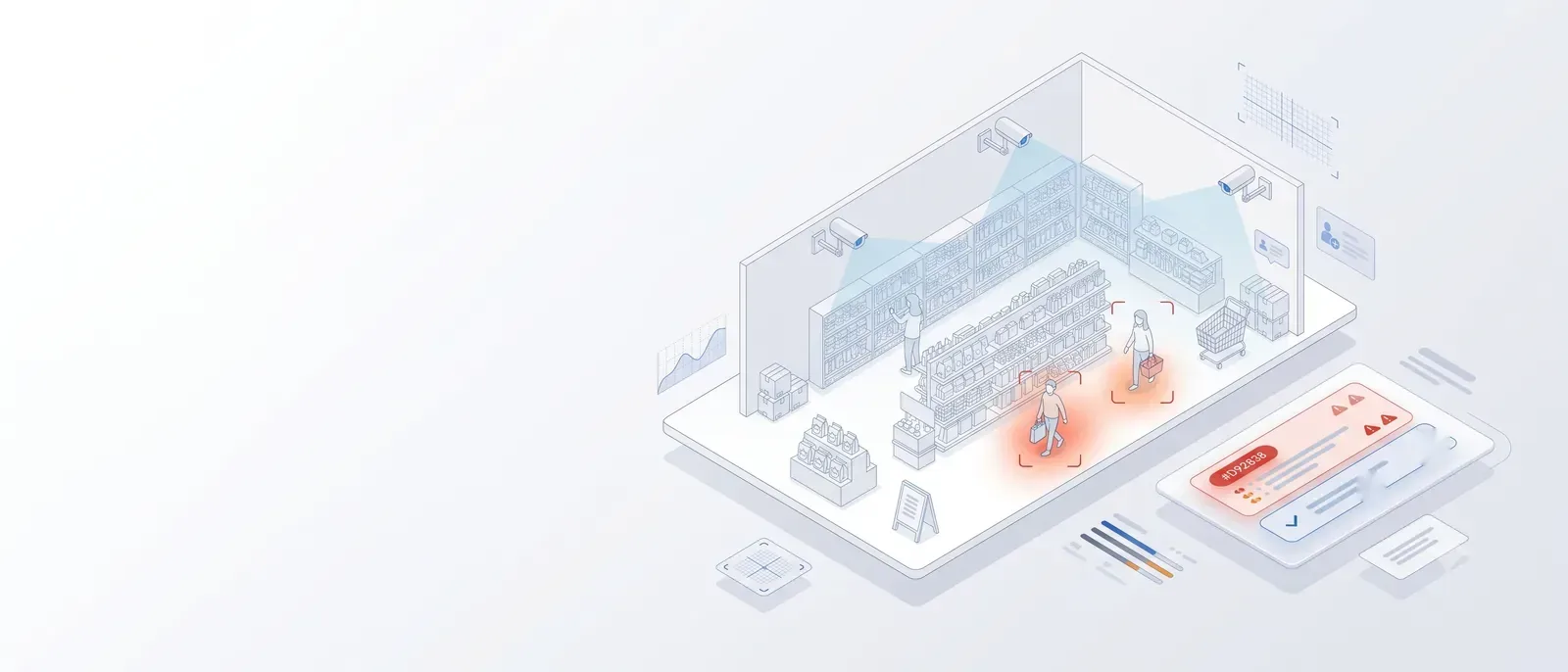
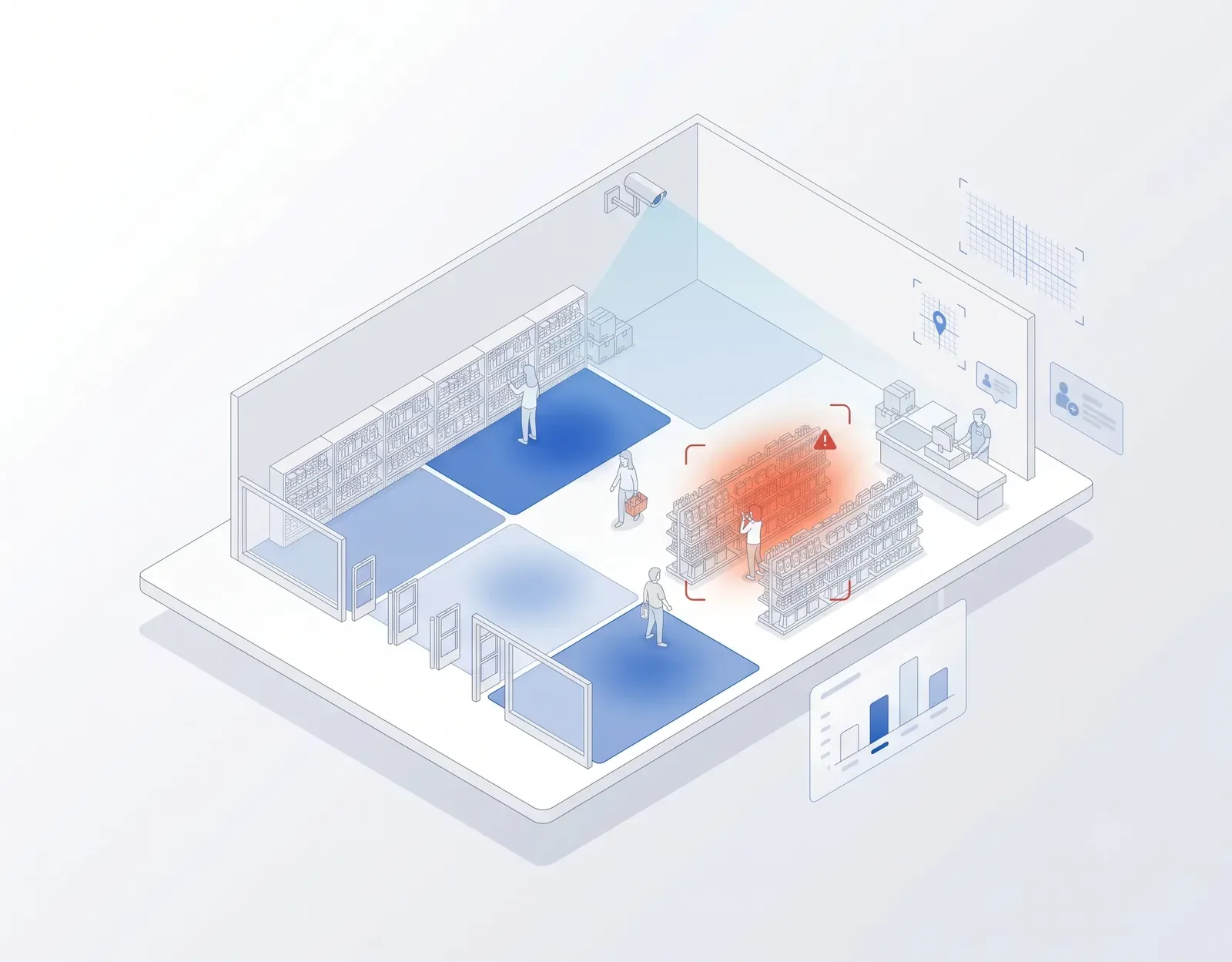
Store dashboard with live alerts for a checkout queue, a waiting customer and a restricted zone
For retail

Your POS tells you what was sold. TrackALL tells you what happened inside the store.

Every store already has cameras. Mostly, they are used after something goes wrong. TrackALL turns those cameras into an AI monitoring system that watches the store continuously — customers entering, queues building, shelves going empty, staff availability, restricted areas, suspicious movement and operational exceptions.

Instead of watching hours of CCTV, your team gets the moments that need attention.

Customer entered, but nobody attended Checkout queue getting longer Shelf becoming empty Restricted area entered Unusual movement detected Store opened or closed late

Built in Hubballi by Global Solution Makers — making software since 2007.

Find your retail format

Different stores. Different problems. The same cameras can see them.

A supermarket worries about checkout queues. A fashion store worries about customer engagement. An electronics showroom wants to know whether visitors are being attended. A warehouse-style store worries about movement, safety and restricted areas.

TrackALL is configured around what matters in your store.

What we can watch
Dashboard crop for the selected store format
What we track

Customer. Staff. Shelf. Store.

POS

knows the transaction.

ERP

knows the stock.

Attendance

knows who checked in.

CCTV

records video.

TrackALL

looks at what is actually happening on the floor.

Customer

Understand what happens between entry and billing.

A visitor entering the store is only the beginning. TrackALL can measure how customers move through defined areas and identify operational situations that deserve attention.

Track
People entering and leaving Zone-wise footfall Customer waiting Queue length Dwell time Movement between defined zones Crowd formation Customer presence without nearby staff
CUSTOMER WAITINGElectronics Zone · 4 min · No staff nearbyOpen
Staff

Attendance tells you they came to work. Cameras show where help is needed.

A staff member may be present in the store but unavailable where customers need assistance. TrackALL can monitor defined service zones and counters.

Track
Counter unattended Customer waiting without staff nearby Staff presence in defined zones Service-desk availability Checkout counter utilisation Defined opening/closing activity

The objective is operational visibility — helping managers deploy people where they are needed.

COUNTER 04Customers waiting · Counter unattendedOpen

Shelf & display

Know when an important display needs attention.

For selected shelves and displays with a suitable camera view, TrackALL can visually monitor product presence or defined display conditions.

Track
Empty or near-empty defined shelf areas Missing display item Defined display condition Promotional display presence Product presence in selected zones
What camera vision does not replace: TrackALL does not replace your inventory or ERP system. The ERP tells you what stock should exist. The camera can tell you what is visibly happening on the selected shelf or display. Used together, they answer different questions.
DISPLAY ATTENTIONPromotional display requires reviewOpen

Store

Turn CCTV into a live operating layer.

TrackALL can monitor store-level conditions throughout the day.

Track
Store opening activity Store closing activity Entry/exit Queue formation Crowd formation Restricted-area entry After-hours movement Defined safety zones Operational exceptions
RESTRICTED ZONEPerson detected in stock roomOpen
Footfall is only the beginning

Don't stop at counting people.

Many retail analytics systems answer: how many people entered? TrackALL can help answer operational questions around what happened after entry.

  1. 1How many entered?
  2. 2Where did they spend time?
  3. 3Where did customers wait?
  4. 4Was staff available in the defined service area?
  5. 5Did queues form?
  6. 6Which areas attracted activity?

Your billing system tells you who purchased. Camera analytics gives you another view of the journey before billing.

Queue monitoring

Don't discover the queue when the customer complains.

TrackALL continuously watches selected checkout or service areas. When a configured queue condition is reached, the store team can be alerted.

The alert can reach
Store dashboard Store manager Mobile app Local audio/siren where appropriate

Once the situation is handled, the alert can be closed.

CHECKOUT QUEUEOpen
Counter 03
8 people waiting
Configured limit: 5
Customer service

A customer waiting silently is still waiting.

Some customers ask for help. Others simply leave. For defined zones and camera conditions, TrackALL can identify when a customer remains in an area without nearby staff presence.

  1. 1Customer enters appliance section.
  2. 2No salesperson is present nearby.
  3. 3Configured waiting period is crossed.

The floor manager can act while the customer is still in the store.

TrackALL creates
CUSTOMER UNATTENDEDOpen
Appliance Zone
Waiting 3 min
Zone analytics

Which part of your store gets attention?

Divide the store into meaningful zones. TrackALL can report activity within defined camera zones. This helps teams compare where people go and where they spend time.

New arrivalsPremium sectionPromotional display ElectronicsAppliancesMen's Women'sKidsCheckoutCustomer service
Instead of only asking

“What sold?”

You can also investigate

“Where did customers spend time?”

Store floor plan showing activity per defined zone
Security & exceptions

Your cameras shouldn't only help after the incident.

Traditional CCTV records everything. The problem is that someone has to watch it. TrackALL can automatically flag defined visual events.

Person enters a restricted area
Movement detected after closing
Unexpected occupancy
Person enters a defined no-entry zone
Defined object moves from a monitored area
Unusual crowd formation

TrackALL does not replace your security team or alarm/access-control systems. It gives them another real-time visual layer.

Open & closed alerts

An alert isn't useful if everyone assumes someone else handled it.

Every operational alert can remain OPEN until someone acts. Once resolved, it becomes CLOSED.

11:42 AM
CUSTOMER WAITINGElectronics Zone · No staff nearbyOpen
11:44 AM
RESOLVEDSales executive reached zoneClosed
This creates a simple operational trail
  1. Problem
  2. Alert
  3. Action
  4. Closure
Multi-store visibility

Twenty stores shouldn't mean twenty CCTV rooms.

For retail chains, TrackALL can bring defined operational alerts and analytics into one view.

Head office can see
Store 01 — Hubballi
FootfallQueue alertsService alertsOpen alerts
Store 02 — Belagavi
FootfallQueue alertsService alertsOpen alerts
Store 03 — Bengaluru
FootfallQueue alertsService alertsOpen alerts
Store 04 — Goa
FootfallQueue alertsService alertsOpen alerts

Instead of calling every store to ask what happened, management gets a common operational view.

Find your role

Same cameras. A different answer for every desk.

Owner · Director · CEO

See what is happening across stores without being there.

Compare operational activity across locations and identify stores with repeated queue, service or exception alerts.

Retail Head · Operations Head

See the exceptions, not hours of CCTV.

Identify queue events, unattended areas, unusual crowding and other configured operational conditions across stores.

Store Manager

Know where you're needed.

Instead of continuously walking every aisle, receive alerts when a selected area requires attention.

Sales Manager

See the customer journey before the invoice.

Understand footfall, zone activity, waiting events and staff availability alongside your sales data.

Visual Merchandising Team

See whether important displays are getting attention.

Compare customer activity around selected displays and promotional zones.

Loss Prevention · Security

Let AI watch defined events across multiple cameras.

Restricted-zone access, after-hours movement and other configured visual exceptions can be surfaced automatically for review.

IT Head

Use the camera infrastructure you already have.

Where camera quality and positioning are suitable, TrackALL works with existing IP CCTV/NVR infrastructure. For use cases requiring better detail or a different angle, an additional camera can be installed. On-premise deployment can keep video processing within the customer's network where required.

Regional · Area Manager

One view across the stores you manage.

Instead of depending only on calls and end-of-day reports, see common operational metrics and exceptions across locations.

Why TrackALL + POS + ERP?

Each system sees a different part of your store.

POSTells you

What was billed?

ERP / InventoryTells you

What stock should be available?

AttendanceTells you

Who came to work?

CCTVRecords

What happened?

TrackALL AI CAMHelps identify

What is happening visually right now that needs attention?

TrackALL is not designed to replace these systems. It adds the missing visual layer.

How we work

We see your store before we suggest anything.

01

We visit first.

We walk through the store with your team.

  • Where do queues form?
  • Where do customers wait?
  • Which shelves or displays matter?
  • Which areas are restricted?
  • Which cameras can already see them?

Only then do we recommend a use case.

02

We only solve what the camera can reliably see.

TrackALL is a computer-vision platform. If your ERP, POS, access-control system or a simple sensor can solve the problem better, use that system.

We use vision where seeing the real-world event adds value.

03

We define the event with you.

“Customer unattended” means different things in different stores.

For one store

Customer in a zone + no salesperson nearby for 3 minutes.

For another

Customer at a service desk + no staff member for 60 seconds.

We define the rule around your operation.

How it connects

From your camera to the alert, in four steps.

  1. 1

    Your cameras

    TrackALL can use suitable existing CCTV streams. If a use case requires a clearer image, wider view or different angle, we recommend an additional camera.

  2. 2

    TrackALL AI processing

    Video streams are analysed by the TrackALL AI system according to the configured use cases. Depending on the project, processing can be deployed locally/on-premise.

  3. 3

    It identifies the configured event

    We configure the system for your zones, counters, shelves and operational rules — customer waiting, queue crossed threshold, restricted zone entered, selected display needs attention, after-hours movement.

  4. 4

    Your team gets the alert

    Dashboard: open and closed alerts, store analytics and reports. Mobile: operational alerts for authorised team members. Local alert: for selected use cases where immediate on-site attention is required.

The flow
Existing CCTV / IP cameraAlready in your store
NVR / NetworkStays as it is
TrackALL AI People detection · Tracking Zone analytics · Queue analytics Object detection Defined visual rules
Operational eventThe configured rule is met
Dashboard
Mobile alert
Local alert
The objective is simple: don't make people watch CCTV. Make CCTV tell people what needs attention.
Start small

You don't need to AI-enable the whole store on day one.

Start with one problem. For example:

One entrance

Measure footfall.

One checkout area

Detect queue build-up.

One service zone

Detect customers waiting without staff nearby.

One important display

Monitor defined shelf/display availability.

One restricted area

Detect unauthorised entry.

Once the use case works reliably in your environment, expand it.

Next step

See what your existing cameras can do.

Book a demo

See TrackALL analyse retail footage for:

  • Customer footfall
  • Queue monitoring
  • Zone activity
  • Staff availability
  • Restricted areas
  • Operational alerts

Best if you want to understand the platform first.

Plan a store visit

We visit your store with your team and identify where camera analytics can add value. We look at:

  • Existing CCTV
  • Entrances and exits
  • Checkout counters
  • Customer service areas
  • Important shelves and displays
  • Restricted areas
  • Camera angles and image quality

Then we tell you what TrackALL can reliably monitor — and what it cannot.

Best if you already have a store or specific problem in mind.

Your cameras already see your store.
TrackALL helps them understand when something needs attention.

Customer. Staff. Shelf. Store.

One visual intelligence layer for retail operations.

AI That Sees. Thinks. Acts. by Global Solution Makers